Websites
Turn your website into a mobile app that reads the same database
To turn a website into a mobile app you either wrap the site in an app shell or build a real app that uses the same content and data. On OneCraft you choose Mobile app in the generator and base it on one of your websites: an agent writes an Expo app that takes the website's colours, fonts, content and database.
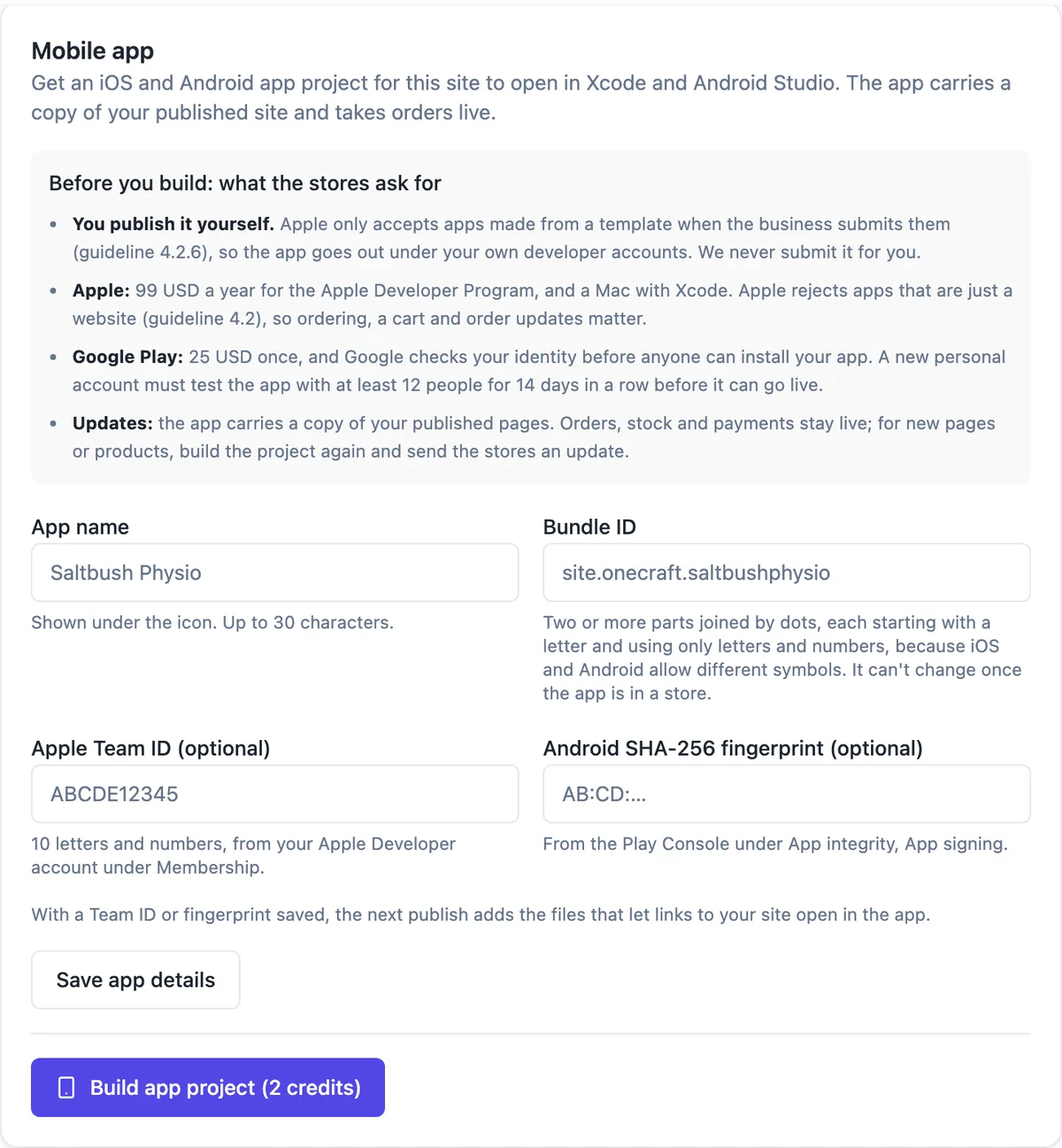
What the app takes from your website
Pick one of your websites under Based on a website. The app takes the website's colour and font tokens as they are, reads its site guide and content as part of the brief, and connects to the same database, so products, bookings or members are shared. You can give a web address instead, which the planner reads only as a design reference.
What the agent builds
The app is an Expo project with Expo Router in its own repository. The plan has up to 14 screens and 3 to 5 tabs, always ending with an Account tab for appearance, a notifications switch, sign in or out when there is a database, and About. Every tab is checked at phone and tablet width, and Home in dark mode.
Preview, chat and versions
The app builder shows the app in phone and tablet frames. Changes are asked for in chat, each one a commit, and Versions lets you preview or restore any of the newest 50. The project downloads as a zip with app.json filled in.
Builds and the stores
On a paid plan, Build with Expo makes an Android or iPhone test build, or a store build, for 5 credits each, on OneCraft's Expo organisation unless you connect your own token. iPhone builds need your Apple key. You submit to the App Store and Google Play from your own accounts: Apple charges 99 USD a year and Google Play 25 USD once.
When an installable website is enough
If you only want people to add your site to their home screen, the pwa capability adds a manifest, icons, an offline page and an install offer to the website itself, with no store listing and no app review.
How it works, in three steps
Step 1
Choose Mobile app
In the generator choose Mobile app, set Based on a website to one of your websites, write the prompt and the business name, and generate.
Step 2
Shape it in chat
Check every tab in the phone and tablet frames and ask for changes in chat; each change is a commit you can restore from Versions.
Step 3
Build and submit
On a paid plan run a test build, then a store build, and submit it from your own Apple and Google Play accounts.
Limits worth knowing
- The Free plan cannot run Expo builds; each build costs 5 credits on a paid plan.
- An app generation has measured 55 to 72 credits.
- OneCraft does not submit apps to the stores; you submit from your own developer accounts.
- Pushes to app users are not available; the app can only schedule local reminders on the device.
- The app has no camera: no QR or barcode scanning and no photo uploads from the phone.
- The website's pages and text are read once, when the app is generated; later wording changes are asked for again in the app's chat.
Questions people ask
Is the app just my website inside a frame?
No. It is a separate Expo app written as React Native code, with native tabs and screens. It shares the website's colours, fonts and database and starts from its content, but its screens are built for a phone. That matters for the App Store, whose guidelines turn away apps that only repackage a website.
Will changes to my website show up in the app?
Data does, wording does not. When the app shares the website's database, a product, booking or post added in the admin appears in both. Pages and text are read when the app is generated, so a later change to the website's wording or layout is asked for again in the app's chat.
Do I need a Mac to build the iPhone app?
No. Build with Expo runs the build in the cloud on OneCraft's Expo organisation, or on your own if you connect your Expo token. For an iPhone build you add your Apple key, which needs a paid Apple Developer account. A test build opens through an Expo page on iPhone and installs from a QR code on Android.
What does it cost to turn a website into an app?
An app generation has measured 55 to 72 credits, and each Expo build is 5 credits on a paid plan; Pro includes 1,500 credits a month. Store accounts are separate: Apple charges 99 USD a year and Google Play 25 USD once. A new personal Play account must test with 12 people for 14 days before release.
Can the app send push notifications to users?
Not from a server. Pushes to app users are not available yet, so you cannot send one message to everyone who installed the app. The app can schedule local reminders on the phone, such as one set when a booking is made, after the person allows notifications on the Account tab.
Can I build an app without a website first?
Yes. Choose Mobile app in the generator and leave Based on a website set to no website. The agent then plans the app from your prompt, palette or brand kit, and a design reference address if you give one. Everything else, from the Account tab to Expo builds, works the same.
Make your own website
The button opens the generator with this use case already described. Change the wording to match yours, generate, then edit anything you like.
Create a website with OneCraftNot ready to start? See the AI website builder page first.
Related pages
App store builds with Expo, from the app builder
Building an app for the stores means turning the project into an Android file and an iPhone file signed for distribution, then submitting them from your own developer accounts. The builder runs the Expo builds for you; the store listings and the submission stay yours.
App that works offline, with cached lists and queued changes
An app that works offline keeps showing what it last loaded when the signal drops, and holds new changes until it can send them. For field staff, events and venues with poor reception, that is the difference between an app people use and one they give up on.
Make your website installable as an app, without an app store
An installable website, often called a progressive web app, can be added to a phone home screen and opens full screen like an app. For a business with regular customers it gets you much of the benefit of an app, an icon on their phone, with none of the app store work.
More finished work of this kind is on the website examples hub.
Written and checked by the OneCraft team. Last checked .